
Step 10Network operator
Connect and configure access points
Extend WiFi coverage without creating a second router or bypassing the hotspot.
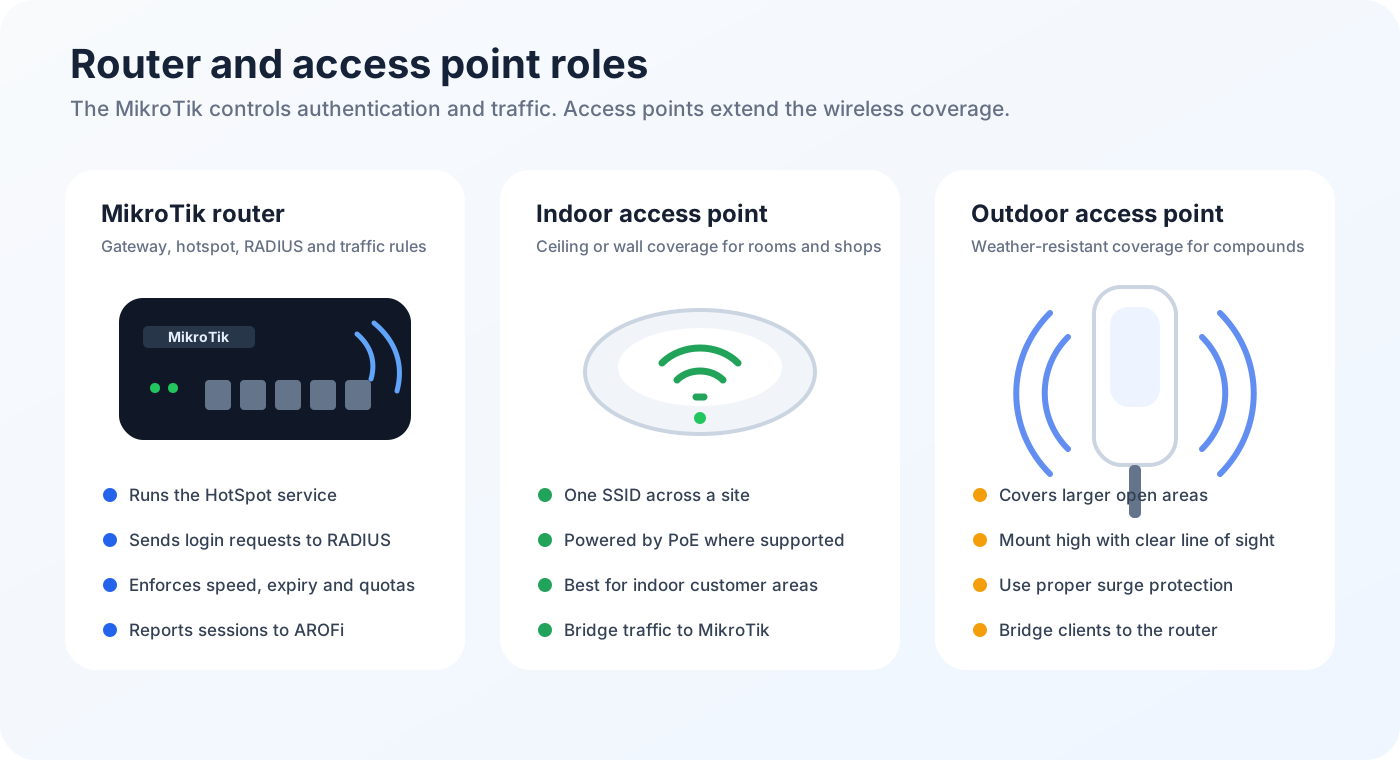
Configure each access point
- Connect the access point to a MikroTik LAN or hotspot bridge port.
- Open the access point management page or app.
- Select Access Point, Bridge or AP mode.
- Disable DHCP server, NAT and router mode on the access point.
- Set the customer SSID and wireless security required for the site.
- Give the access point a management IP that does not conflict with the MikroTik DHCP pool.
- Save and reboot the access point.
- Join the SSID with a phone and confirm the phone receives the MikroTik hotspot IP range.