
Step 12Business owner
Run the first Mobile Money payment test
Confirm collection, activation, wallet posting and session creation together.
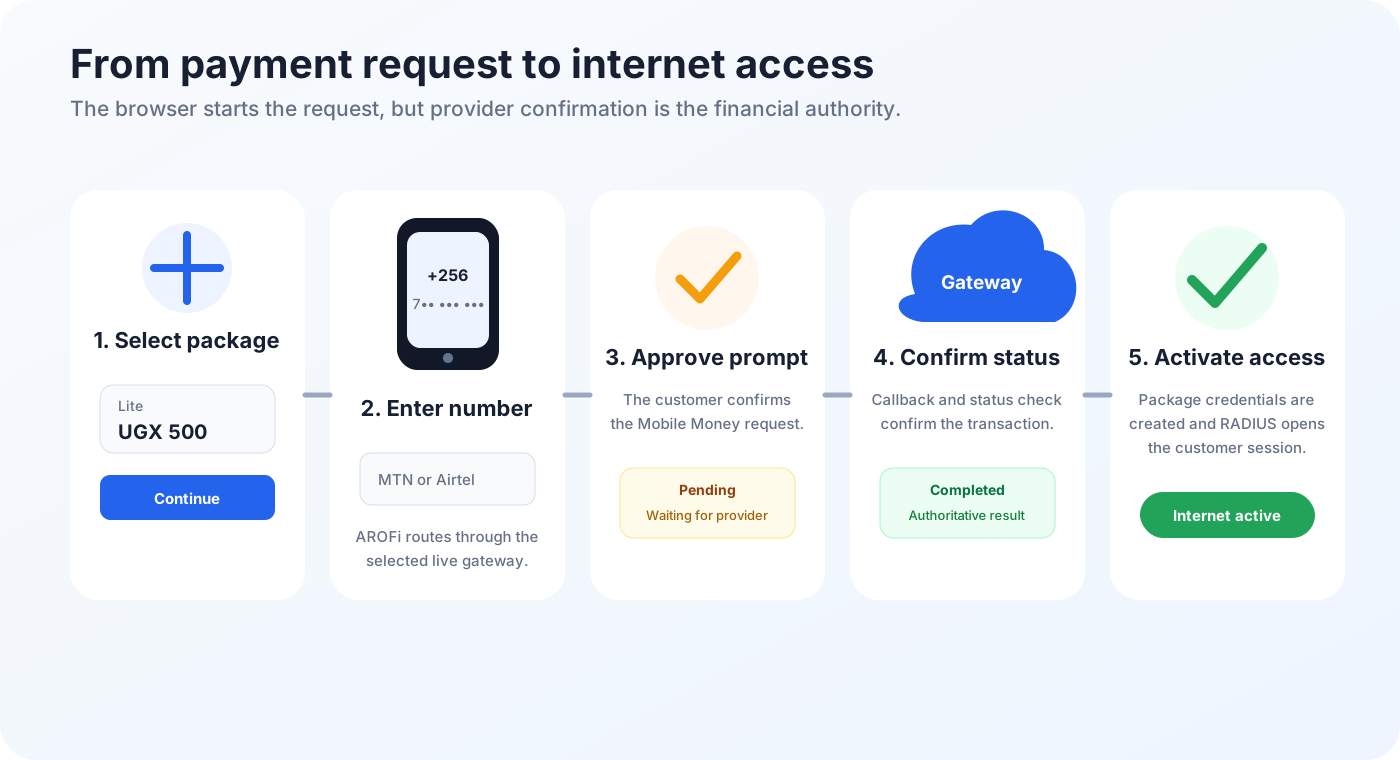
Test a low-value package
- Use a small active package created for testing.
- Join the hotspot with a test phone and open the portal.
- Select the package.
- Enter a valid MTN or Airtel Mobile Money number.
- Tap Pay and Connect.
- Approve the prompt on the payer phone using the correct PIN.
- Wait for AROFi to confirm the provider result and connect the customer.
- Open the dashboard and confirm the transaction status is successful.
- Confirm the business wallet entry and active session were created.
- Open a website on the customer phone to prove internet access.